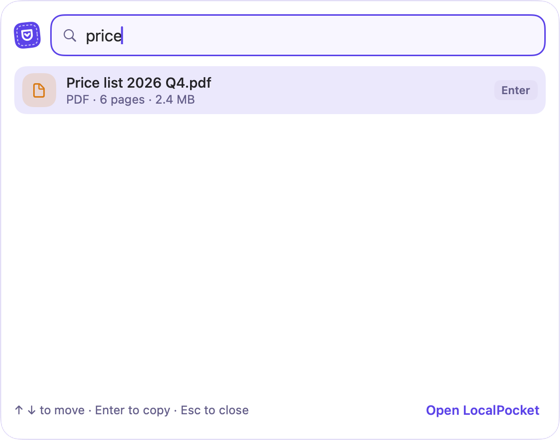
Quick panel
⌘⇧V over any app. Type, Enter, paste.
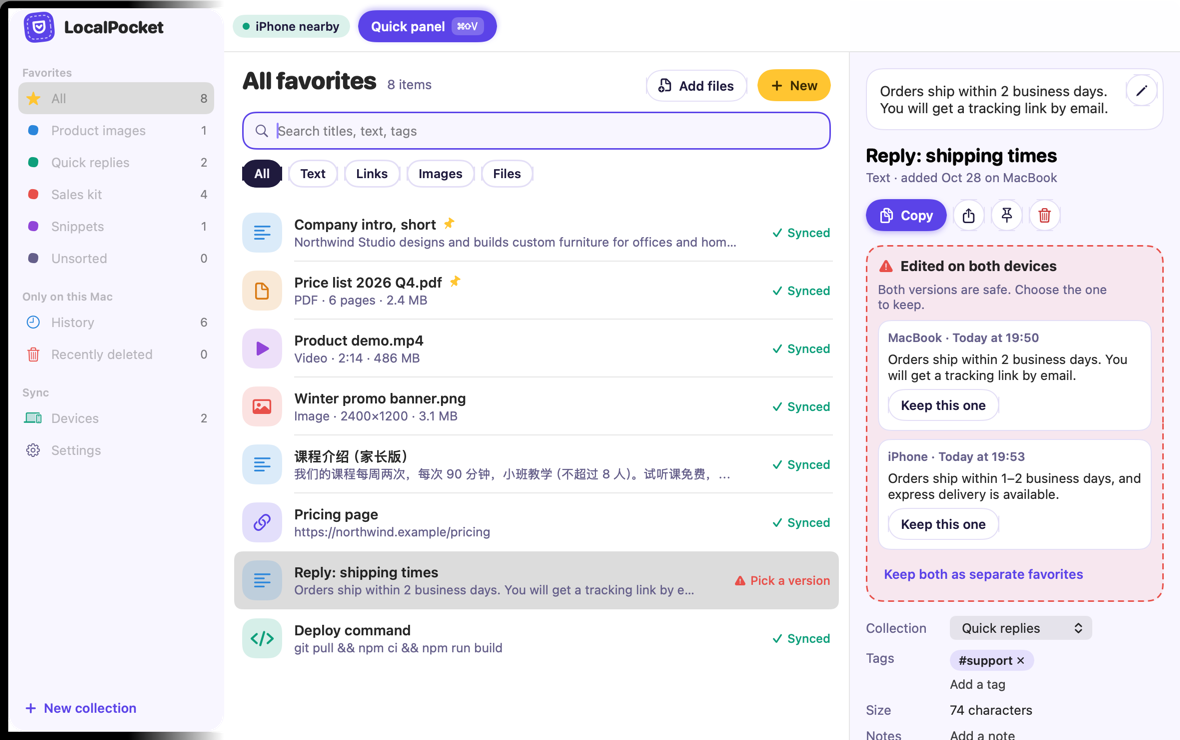
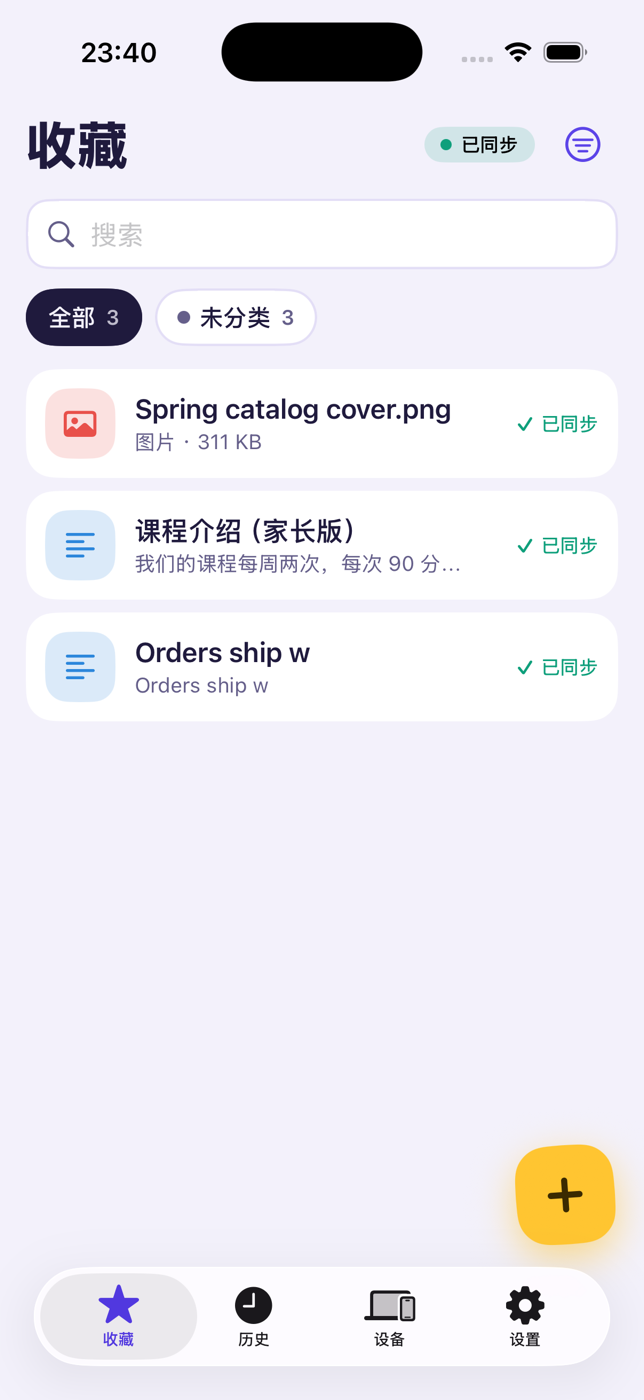
One library, shaped for each device.
⌘⇧V, a few letters, Enter. Or just drag it in.
⌘⇧V over any app. Type, Enter, paste.
Files keep their original names.
Names, addresses, ID numbers — pasted.
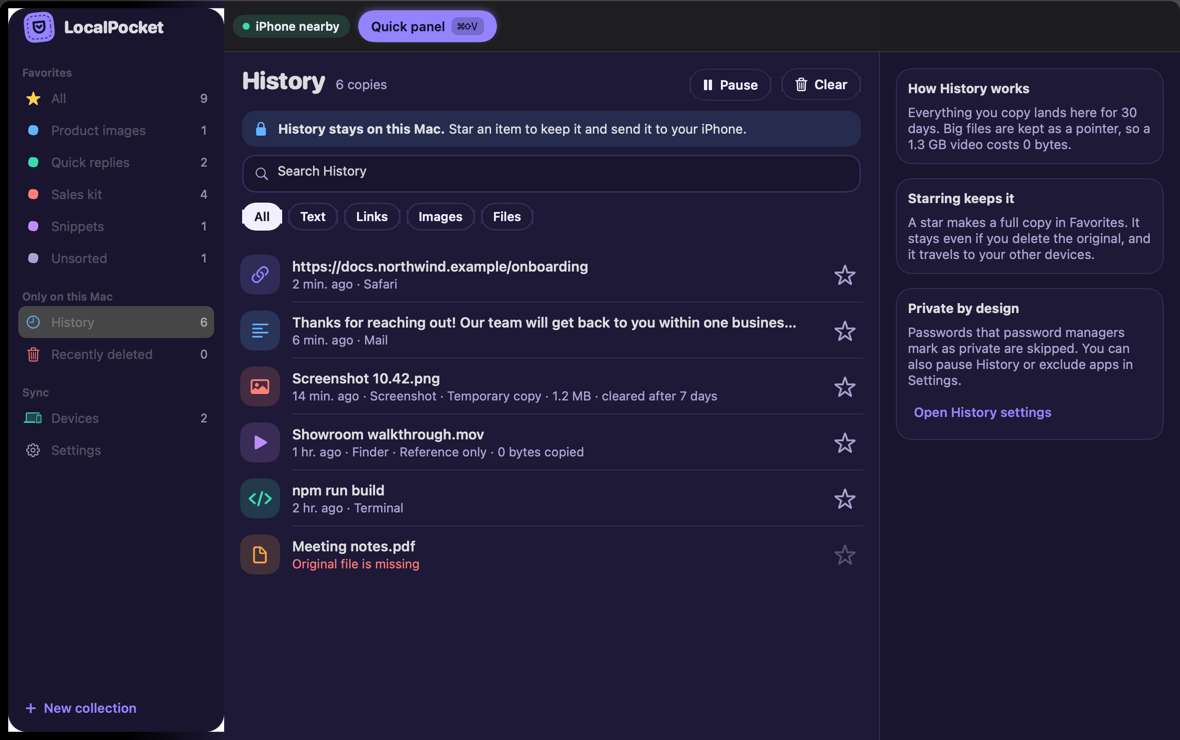
Everything you copy, kept for a while.
Same Wi-Fi. Encrypted. No cloud.
Reads the clipboard only after you say so.
| Shortcut | Action |
|---|---|
| ⌘⇧V | Open the quick panel from any app (customizable) |
| ⌘⇧S | Save what's on the clipboard to Favorites |
| ⌘N | New favorite — a note, a link or a snippet |
| ⌘O | Save files to Favorites |
| ⌘⇧N | New collection |
| ⌘⇧C | Copy the selected favorite |
| ⌘F | Search |
| ⌘1 – 4 | All favorites · History · Recently deleted · Devices |
Every feature, including Finder files in History.
Sandboxed. Drag files in to save them in full.
Photos, videos, captions and replies — two taps from any chat or social app.
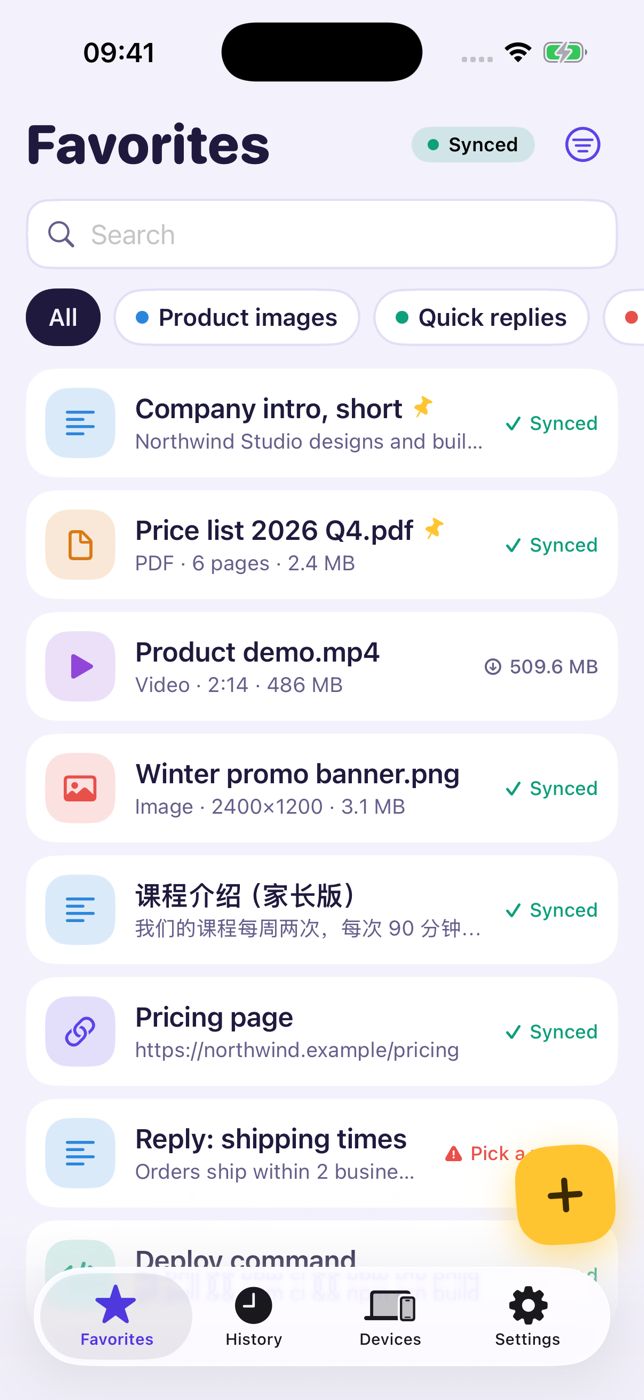
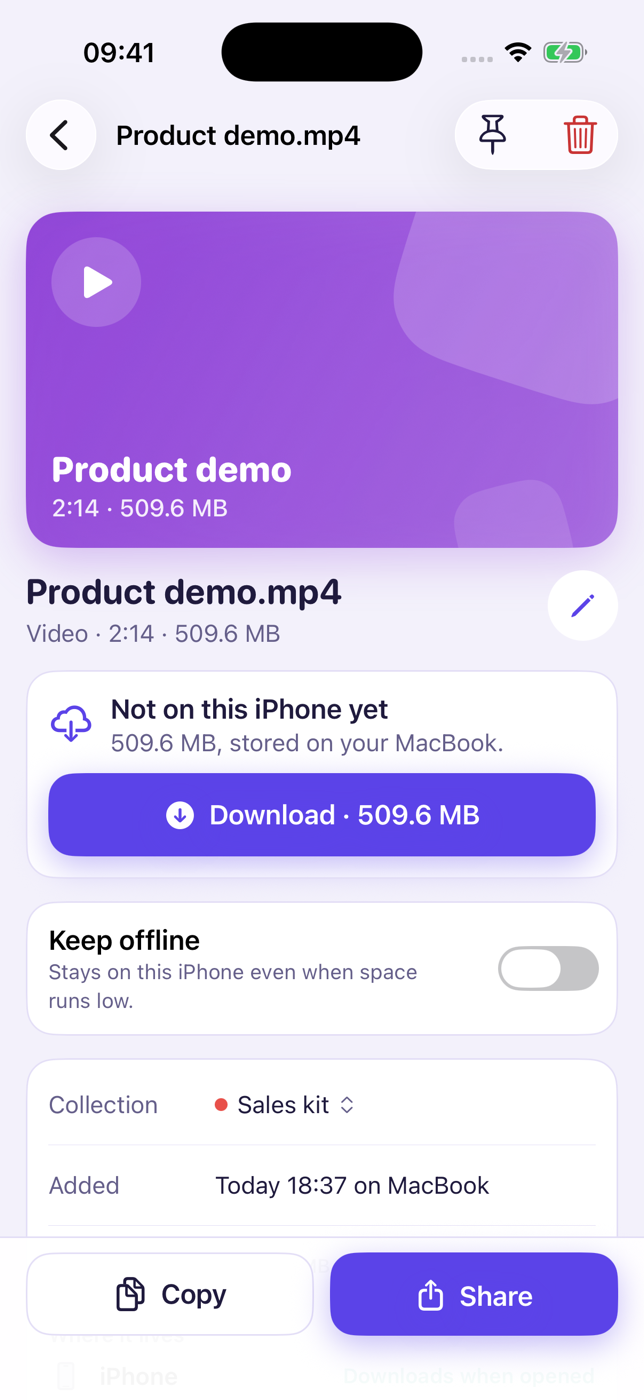
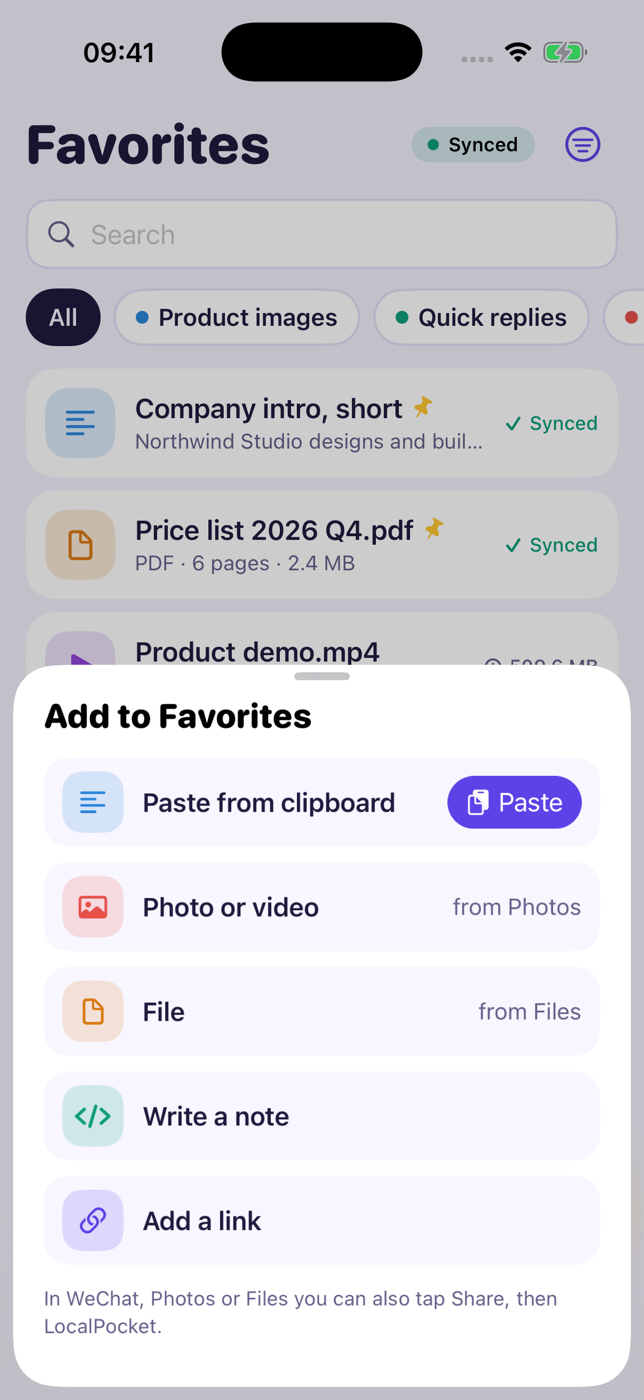
To any chat or social app. The original file.
Tap Share in Safari, Photos, WhatsApp…
From the school nurse to your partner, in two taps.
Paste it into any form or message.
Downloads only when you open it.
Never on mobile data. Catches up on Wi-Fi.
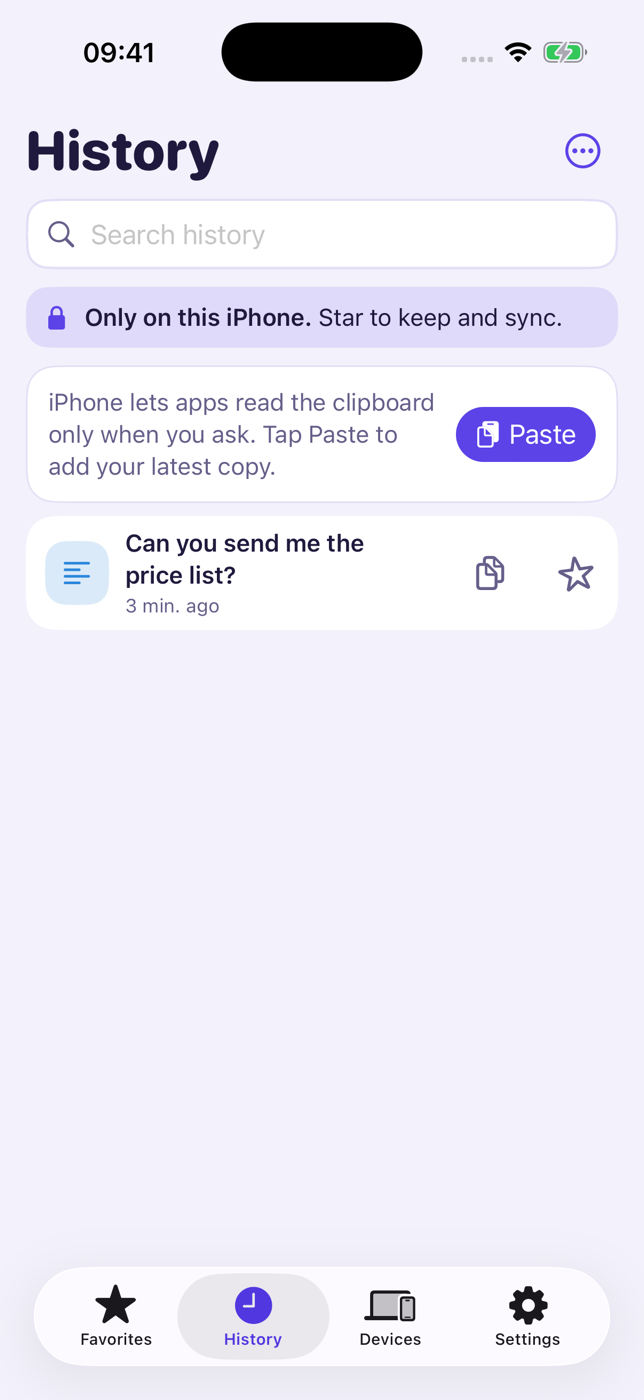
Read when you open the app, or tap Paste.
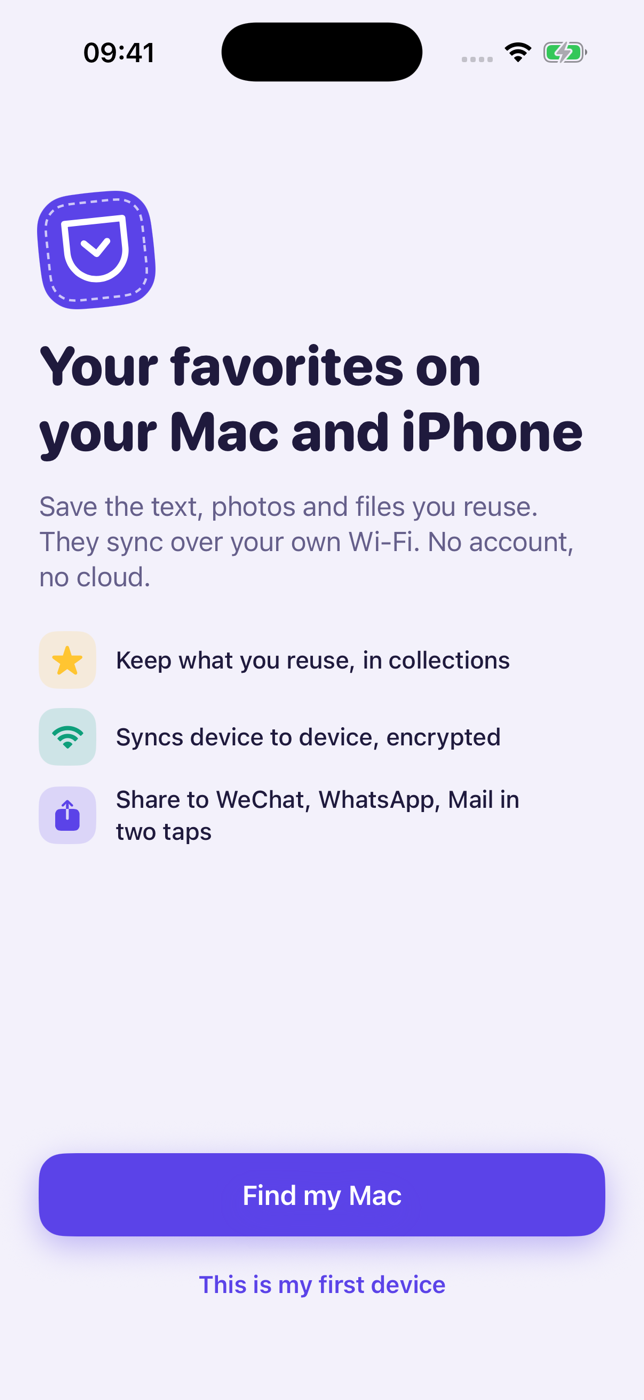
Find my Mac. Type the password. Done.
Dynamic Type, VoiceOver, Reduce Motion.